What Brave's Switch From Chrome Teaches About Ethical Onboarding
 +20 XP
Case study
What Brave's Switch From Chrome Teaches About Ethical Onboarding
A longtime Chrome user decides to try Brave, a privacy focused browser, and walks through its download and welcome tour. Motivation rises and falls with each step, and the story shows which moments build trust, which ones cost it, and how to reorder them.
+20 XP when you reach the endWhat you will learn
- Remove steps that give the user nothing back
- Ask for big commitments only after value is shown
- Use the product's own values to guide the flow
Scroll to follow the story. The screen changes with you.
Based on the learnings from Growth.Design: Chrome vs Brave: How To Use Ethical Design To Win Customers, presented in our own format.
Step 1 of 9
- Written for Chrome users
01
The setup
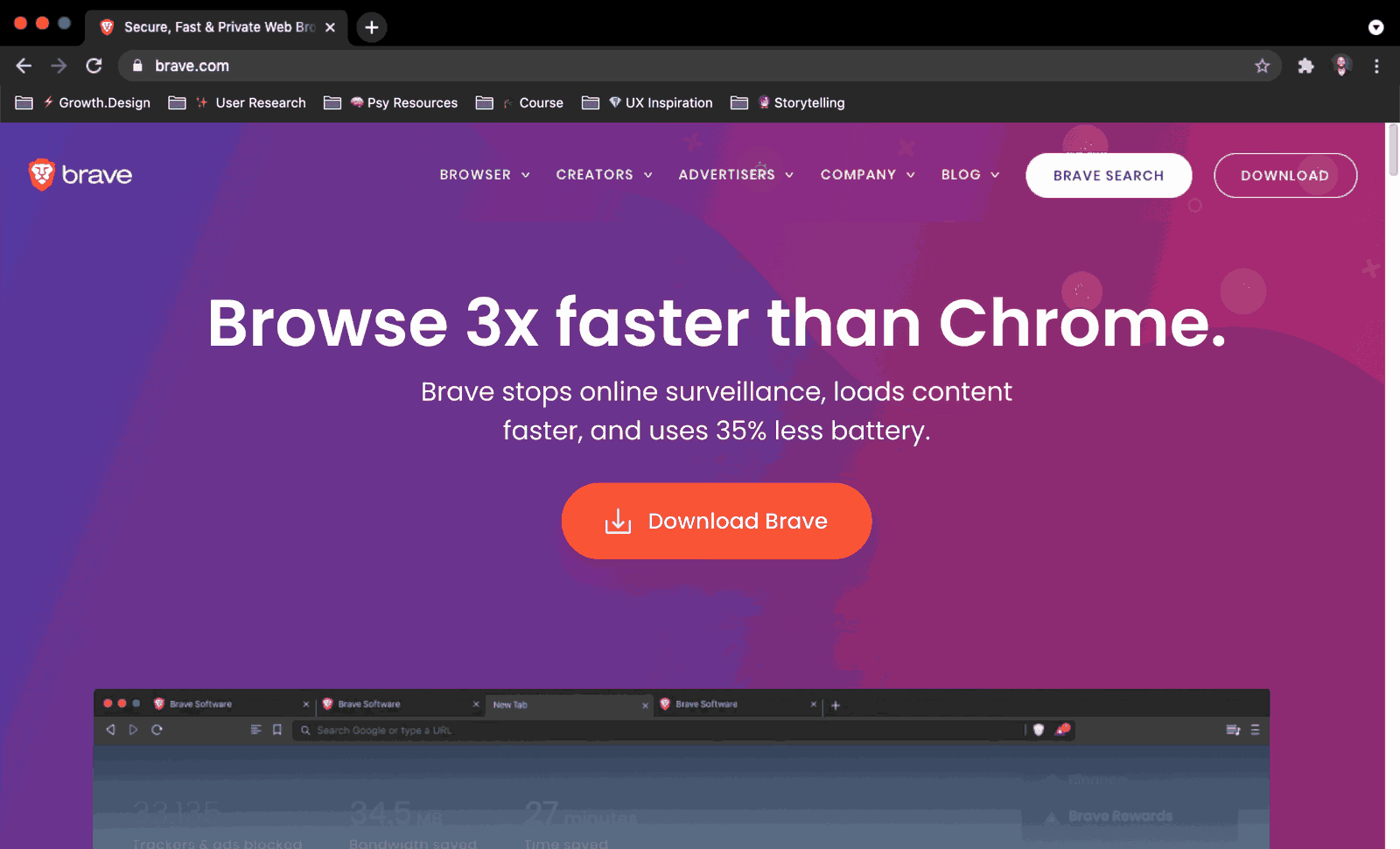
A Chrome user visits Brave's site and is greeted with a promise made for them.
After more than ten years on Chrome, the user has stopped trusting how it makes money from their attention. Brave's homepage headline reads 'Browse 3x faster than Chrome', with a subline about stopping surveillance and using less battery. The page speaks directly to the browser the visitor is using right now.
TakeawayMeet people where they are, in terms of the product they already know.
Familiarity biasPeople prefer familiar experiences. Brave is built on Chromium, the open source project behind Chrome, and Growth.Design notes that Chromium powers browsers used by about 80 percent of internet users. Brave also changes this headline depending on which browser the visitor uses.
 Which chip?
02
Problem 1
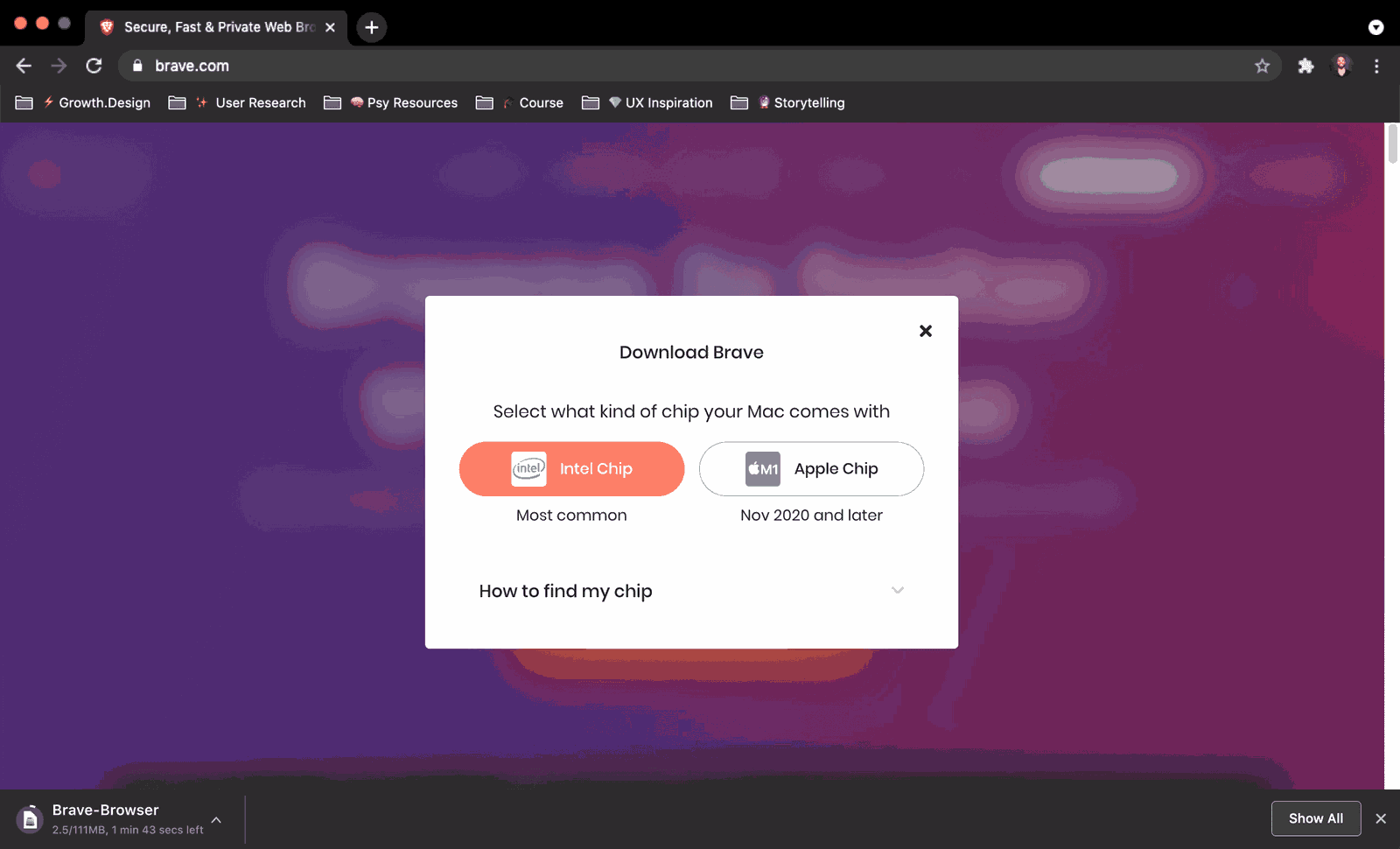
Before downloading, the user has to know which chip is inside their computer.
Clicking download opens a modal asking whether the Mac has an Intel chip or an Apple chip, with a collapsed 'How to find my chip' hint. Most people do not know the answer, and the question feels like a test at the exact moment they were ready to act.
TakeawayNever ask users for information the product can find out for itself.
Detect it automaticallyGrowth.Design cites that around 20 percent of Brave's new visitors do not finish the download steps, even though Brave gains about 2 million new active users a month. A simple script could detect the chip, as Brave already does to detect the browser, and even a 2 percent lift at this step could add hundreds of thousands of users a year.
Original Nothing to doRedesign 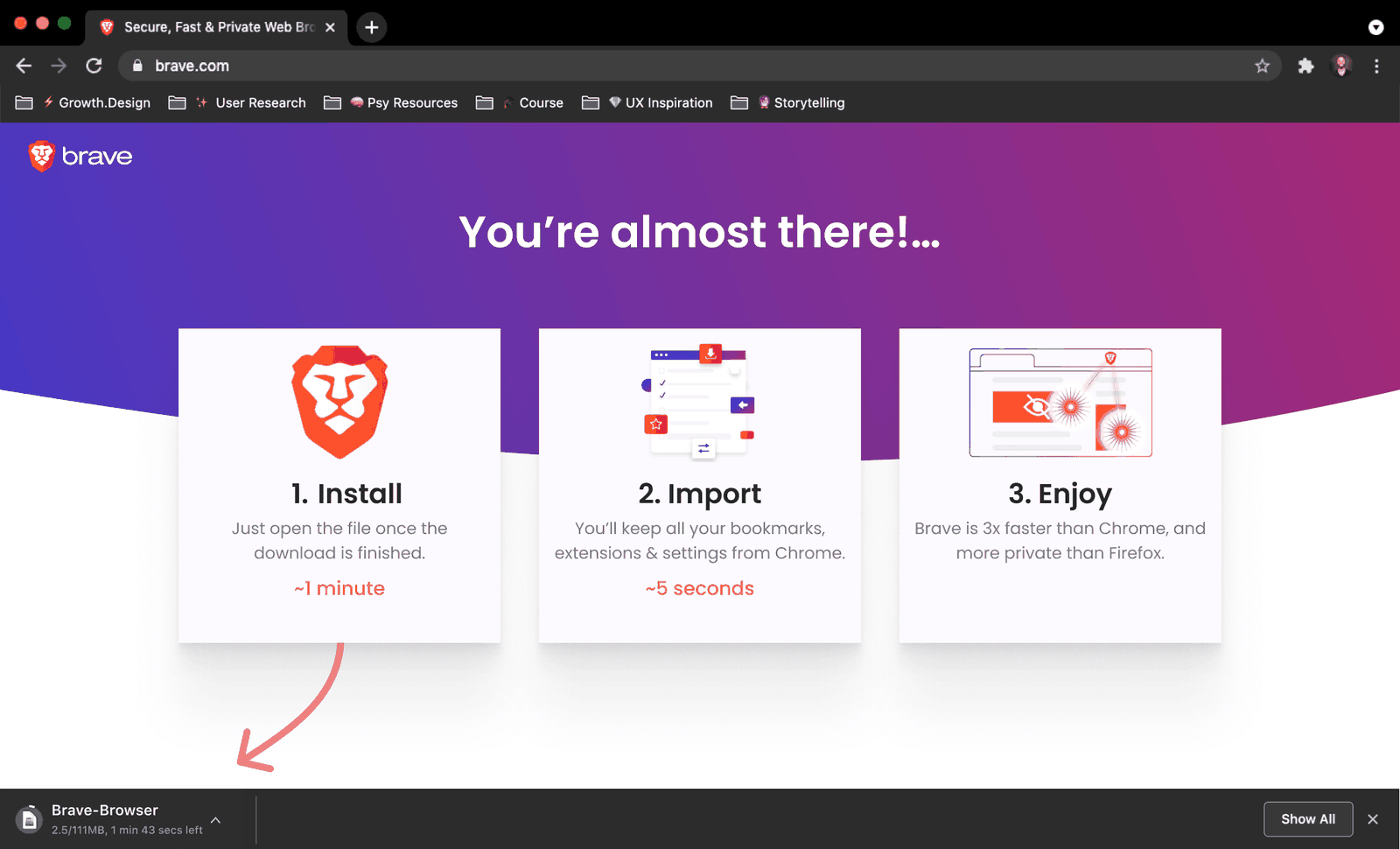 Next steps shown
03
Repair 1
Turn the download wait into a short guide to what comes next.
On a fast connection the 111 MB file still took almost two minutes, and the user spent it staring at the chip modal and a progress counter. The redesign replaces that dead time with 'You're almost there', three numbered steps with how long each takes, and an arrow pointing at the downloaded file.
What changed
- Highlight the next steps: install, import, enjoy
- Reassure with time estimates of a minute and a few seconds
- Repeat the benefits the user is waiting for
TakeawayA wait people understand feels shorter than one they just have to sit through.
ChronoceptionHow long something feels depends on what happens while you wait. The first rule of making waits bearable is to keep people engaged, which is why the redesign teaches the user while pointing to the next step.
 Pre-checked commitment
04
Problem 2
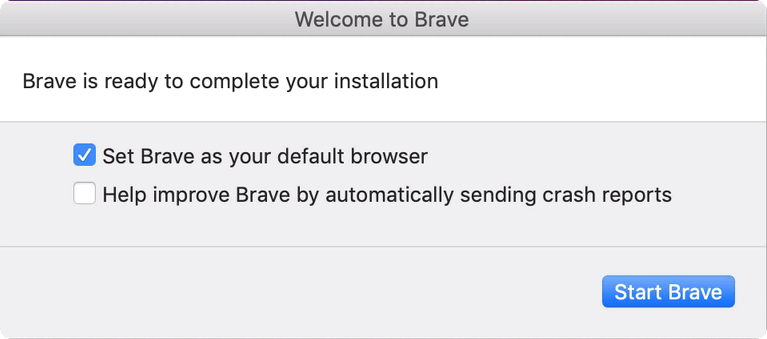
The installer asks to become the default browser before the user has tried it.
The first window after install says Brave is ready to finish installing, with 'Set Brave as your default browser' already checked. The user has not opened a single page in Brave yet, and is being asked to replace a tool they have used for over a decade.
TakeawayAsking for commitment before delivering value is like proposing on a first date.
Reciprocity and trustPeople engage more after a product has given them something. They are then more willing to trust it and give back, which matters most for big asks like changing a default browser someone has used for ten years or more.
Original 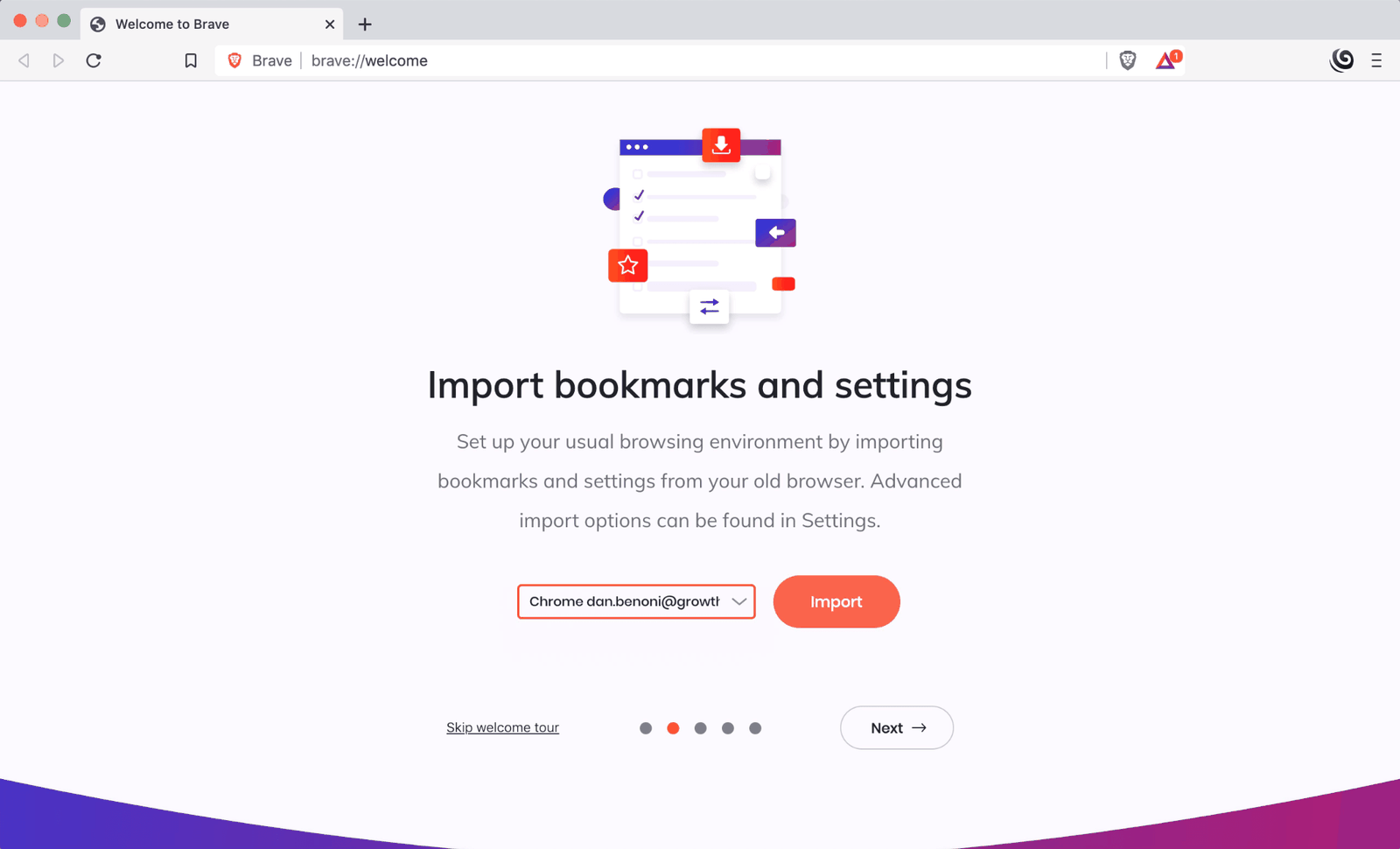 One click import
Redesign 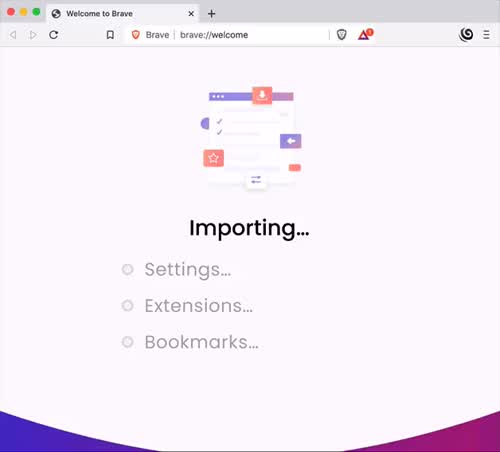 Progress made visible
05
Repair 2
Importing bookmarks is the step that matters most, so let users see it happen.
The welcome tour offers to import bookmarks and settings from Chrome with one button. It worked in milliseconds, so fast the user almost missed that years of bookmarks, settings and extensions had moved over. The redesign shows an 'Importing' screen that checks off settings, extensions and bookmarks one by one.
What changed
- Show each item being imported
- Confirm what moved over
- Make this step feel like the start of the switch
TakeawayWhen a step carries high expectations, show the work so people believe it was done.
The labor illusionPeople trust and value results more when they can see the work behind them. A plate that arrives 20 seconds after ordering at a fine restaurant would feel wrong, and an instant migration can feel just as suspicious.
 Value, clearly stated
06
What worked
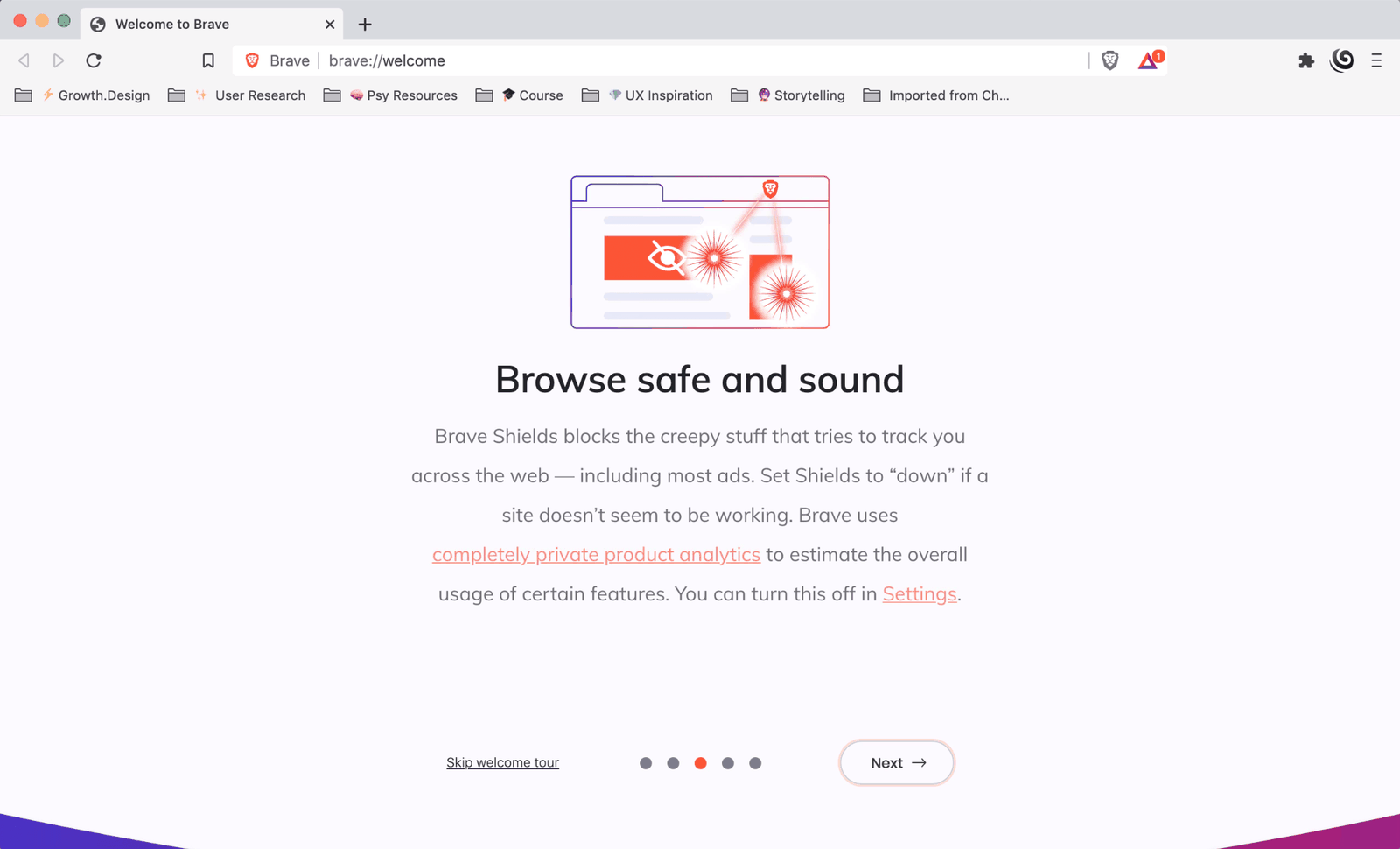
Explaining Brave Shields reminds the user why they switched.
'Browse safe and sound' explains that Shields block the tracking and most ads across the web. This is when the user feels the product's value most clearly, which makes it a far better moment to ask about the default browser than the installer was.
TakeawayPlace big asks right after the moment the user feels the benefit.
PrimingBecause this step is about blocking trackers, the next step, choosing a default search engine, suggests DuckDuckGo for more privacy. The user is already thinking about privacy, so they are more likely to pick it, which quietly reduces the reach of Brave's main competitor.
 Tokens and terms
07
Problem 3
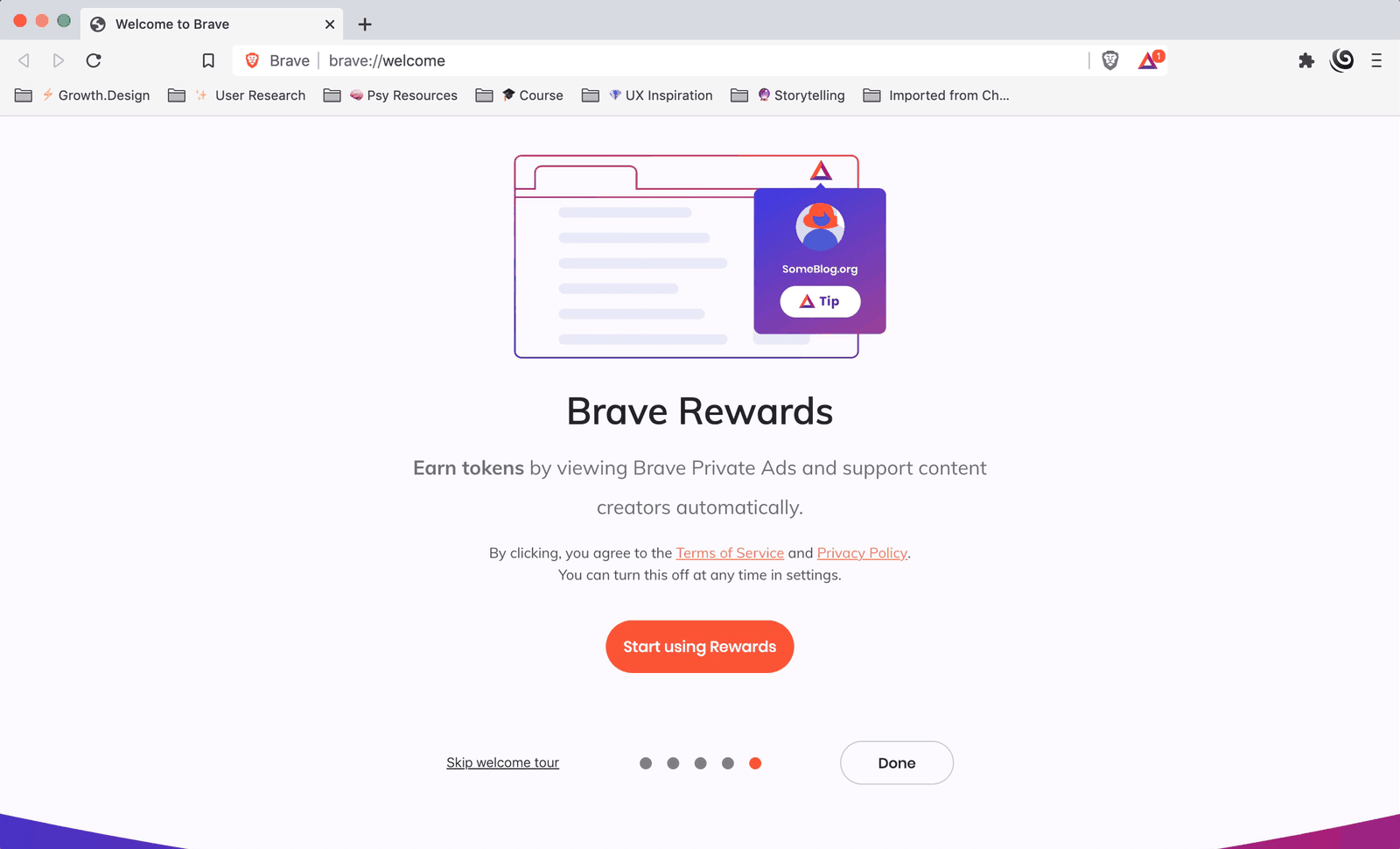
The last tour step introduces tokens, ads and terms the user did not ask for.
Brave Rewards asks the user to earn tokens by viewing private ads, and to agree to terms of service to start. Someone who only wanted to browse safely and quickly finds this overwhelming at the end of an already long setup.
TakeawayAdvanced features belong later, once the basics have earned the user's trust.
Progressive disclosureGrowth.Design reports that fewer than 16 percent of Brave's daily active users turn on Rewards, even though it pays users to view ads. Introducing it gradually could shorten time to value and raise adoption of the feature behind most of Brave's revenue.
 Trackers blocked
08
What worked
The new tab page counts what Brave has done for the user.
Every new tab shows three numbers: trackers and ads blocked, bandwidth saved and time saved. They start small, but over weeks they grow into hundreds of thousands of blocked items, gigabytes and hours. The page states the brand's promise in the user's own data.
TakeawayShow users the benefit they receive, in numbers that belong to them.
Treat users like humansGreat products respect people's time and attention and reflect values like safety. Brave's business depends on those values, and Growth.Design notes this dashboard is seen by more than 8 million people every day, according to Brave's own usage figures.
Low point Commitment firstHigh point Value proven09
The result
Motivation climbed, crashed and recovered, and the order of steps explains why.
A strong promise lifted the user's motivation. The slow download and the early default browser ask pulled it down. The fast import and a dashboard that shows time, attention and privacy saved brought it back up. Moving the commitment ask after the value would have kept it high all the way.
What changed
- Detect the chip automatically
- Explain next steps during the download
- Ask for default browser after Shields
- Introduce Rewards later
TakeawayOnboarding order is a design decision: put value first and commitment second.
Every takeaway, in one place
- The setupMeet people where they are, in terms of the product they already know.
- Problem 1Never ask users for information the product can find out for itself.
- Repair 1A wait people understand feels shorter than one they just have to sit through.
- Problem 2Asking for commitment before delivering value is like proposing on a first date.
- Repair 2When a step carries high expectations, show the work so people believe it was done.
- What workedPlace big asks right after the moment the user feels the benefit.
- Problem 3Advanced features belong later, once the basics have earned the user's trust.
- What workedShow users the benefit they receive, in numbers that belong to them.
- The resultOnboarding order is a design decision: put value first and commitment second.
Source: Growth.Design: Chrome vs Brave: How To Use Ethical Design To Win Customers
Win switchers by respecting their time.
Getting someone to leave a product they have used for years is hard, and every unnecessary step gives them a reason to stay put. Zyxware can audit your download, install and first run experience, remove the friction, and put your commitment asks where users are ready to say yes.